


Introduction to AIOU LMS Quiz System
For many new students at Allama Iqbal Open University (AIOU), attempting online quizzes on the LMS (Learning Management System) portal can be confusing at first. This AIOU LMS quiz guide aims to simplify the process, ensuring you don’t miss quiz deadlines and are fully prepared to attempt them correctly.
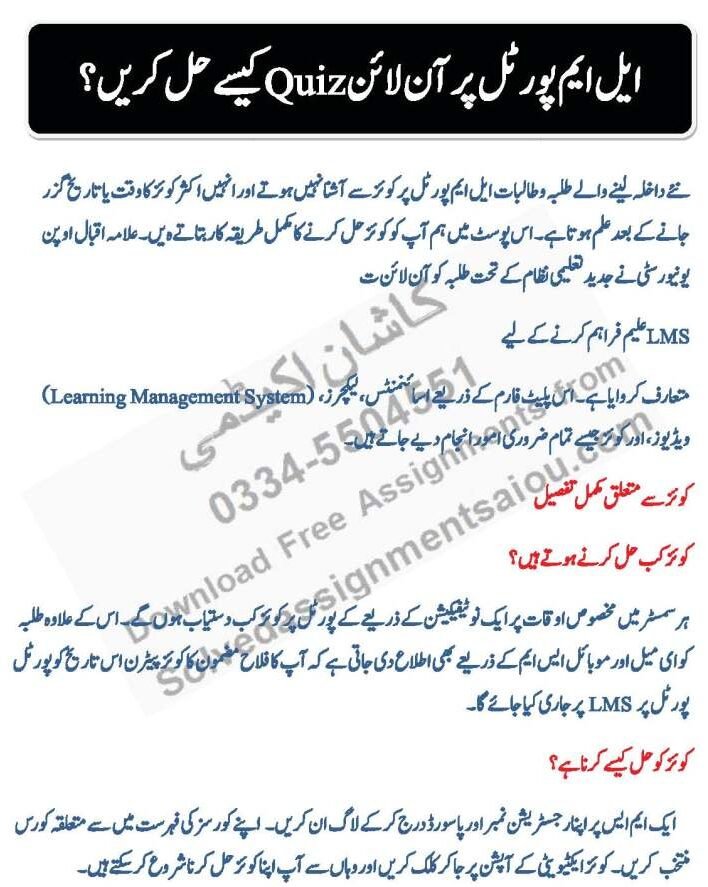


When Are Quizzes Available on AIOU LMS?
AIOU releases quizzes at specific times during each semester. You will receive notifications via:
- LMS dashboard
- SMS alerts
Make sure to regularly check your LMS portal to avoid missing important quiz deadlines.
How to Solve Online Quizzes on LMS Portal
Follow this AIOU LMS quiz guide step by step to avoid errors and ensure success.
-
Login to LMS using your registration number and password.
-
Select the relevant course from your course list.
-
Click on the Quiz Activity tab.
-
Begin your quiz and answer each question within the limited time (usually 20 minutes).
Important Tip:
Using this AIOU LMS quiz guide, you can prepare beforehand and avoid mistakes during the quiz.
Each quiz is time-sensitive. Take your time to read each question carefully, but be aware of the countdown timer. This quiz will be held during your online AIOU workshops.
Rules & Guidelines for AIOU Quizzes
-
Quizzes can only be attempted once.
-
If your internet disconnects, you may not get another chance.
-
Do not refresh the page during the quiz – this may cause data loss.
-
Quizzes are auto-submitted when the timer ends.
-
Quizzes are MCQs (Multiple Choice Questions) and cannot be submitted manually.
When Will Quiz Results Be Announced?
Grades are usually uploaded a few days after the quiz:
-
Check under the Grades section in LMS.
-
Your instructor might also share updates in the WhatsApp class group.
Precautionary Tips Before Attempting Quiz
-
Ensure a stable internet connection.
-
Use a laptop or desktop for better visibility and control.
-
Try logging in on one browser and using another (or a mobile) to search for answers, if needed.
-
Keep WhatsApp Web open to communicate with fellow students.
-
If any technical issue occurs, contact your instructor or AIOU tech support immediately.


Assignment course 9444